You are here:
A natural stage in any web development project is the moment when the need arises to supplement the site with content. This happens in several different ways, depending on the needs of the client. Thus:
- it is possible for the client to provide the content and introduce it "rigidly" by editing the source code,
- downloading content from external files or the provided API and inserting it dynamically into the site,
- implementing a CMS and allowing the client to manage the content.
The two ways assume that the administrator of the official site will only occasionally update it. Implementing a CMS, on the other hand, gives incomparably greater flexibility in designing and managing the direction of the site.
The term is taken from "Content Management System" or Content Management System. What does it mean in practice?
By default, in the most common version, web applications are designed with two audiences in mind: the administration, that is, the group of site moderators, and the end users who will visit and "consume" the posted content.
So while the role of the latter is reduced to reading and possibly interacting by filling out forms or otherwise interacting with already finished content, the task of administrators is to deliver that content. This is what they can do with websites through a special administration panel created for them.
What modules should the Content Management System contain?
Nowadays, professional management of a website is quite a complicated process. You need to keep in mind both the preparation of quality website content, but also the need to manage multimedia, language versions, data provided by end users and even the proper preparation of entries for SEO. This is why when we undertake the implementation of, for example, a company website, we implement the project with the help of a CMS system.
So, below we have included the key modules that all CMS systems should have; those that most CMS systems have (or should have) and those that are not often found in the basic version (and are worth using!).
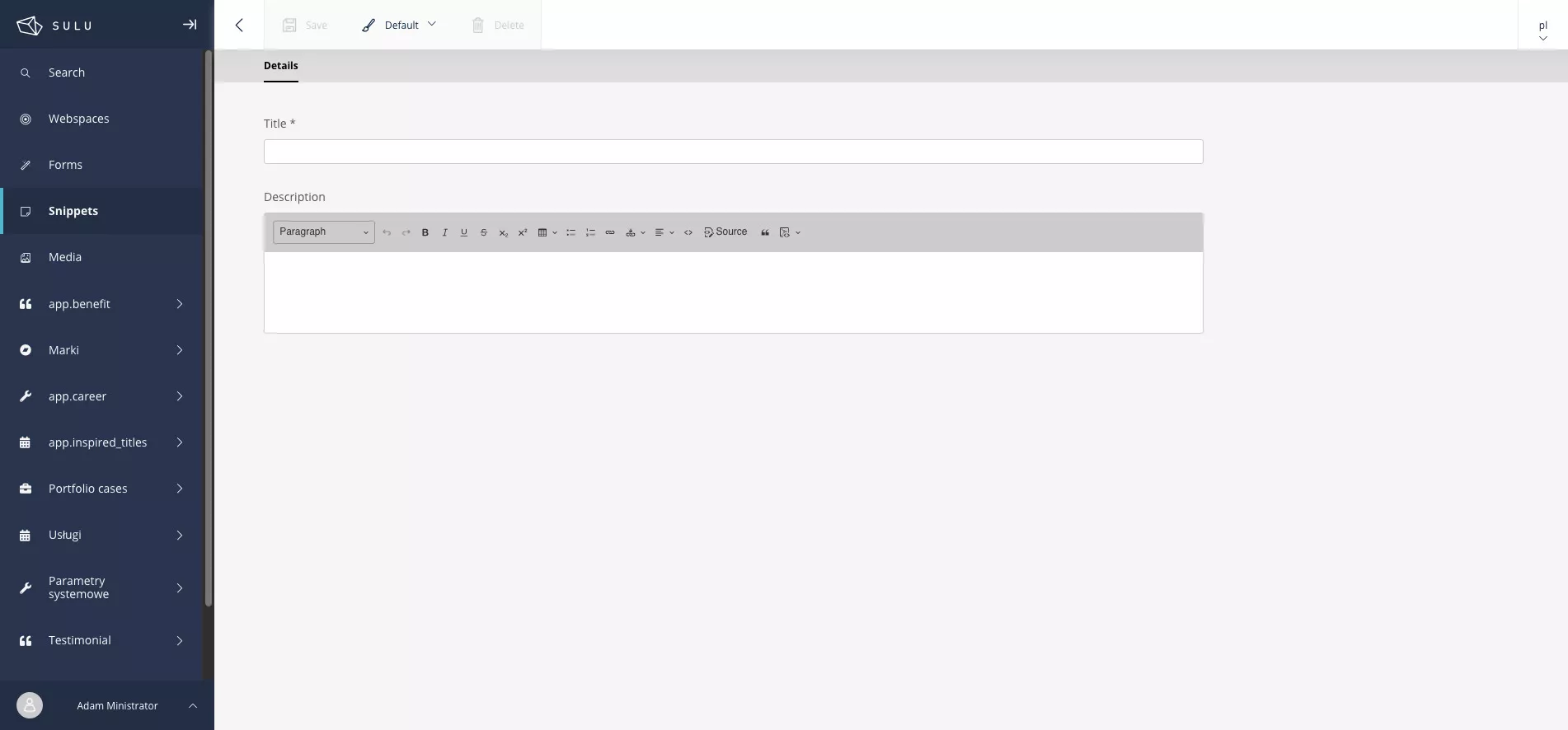
Mandatory CMS features are those without which a moderator will not be able to properly create a site within the established structure. Therefore, an absolute must-have of a good system is (we deliberately omit CMS for sales platforms here, as this is a separate issue):
- Management of the sub-page structure and the possibility of nesting sub-pages (e.g. as on the page you are just reading: Home -> Services -> Websites -> Online stores / e-commerce).
- The ability to edit cms content through WYSIWYG (What you see is what you get) editors - similar in its operation to the classic solution known from Word. Thus, it is mandatory to bold content, insert links and the like.
- Media management (ability to insert images, videos or downloadable documents). Often simple CMS systems only allow you to attach files, without additional configurations. A good CMS, on the other hand, will allow full configuration of materials, including editing "title" or "alt" tags, which are used when rendering pages for people with disabilities. In addition, some CMS systems provide automatic conversion of image files to state-of-the-art formats and also generate thumbnails.
- User management within the system. The ability to create new ones and grant access is, in addition to managing site content, a key feature of available CMS systems on the market.
Functions that are somewhat less common in the base versions of CMS software are:
- Multilingualism module. There are a number of solutions on the market, CMS Wordpress at the forefront, which do not have a multilingual option in the basic version. It is only by installing further extensions to them that this feature can be used. In our opinion, such a solution generates a lot of problems, as we have found out more than once when dealing with modifications on the sites of clients who come to us.
- Page template management module. If the designed site will be extensive, the use of the same layout on each of the subpages will certainly prove boring and often simply impossible. The most popular CMS offer the ability to create separate templates that contain predefined fields. The completed values of these fields are displayed in the appropriate places within the template. This significantly increases the implementation possibilities. However, there are also such CMS platforms that go a bit further by offering flexible management of sections within templates, as discussed in the text below.
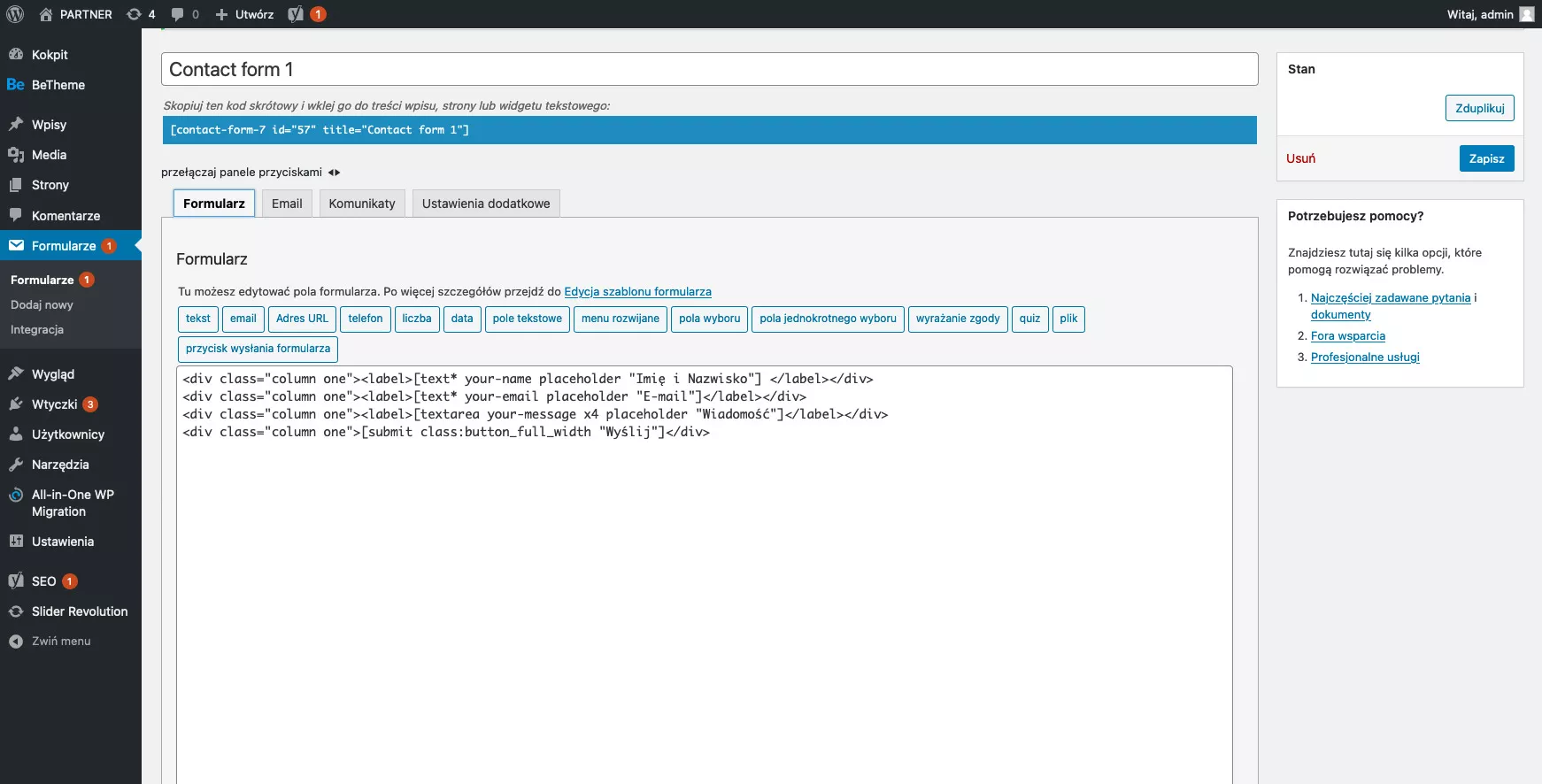
The least common features, however, which have convinced us of their effectiveness over the years, are instead:
- Modules of so-called snippets. These are snippets of content that can appear on multiple pages in the same form. Of course, you could insert them as static content, but this is not the purpose of the CMS. If you want to be able to control any element of the page, you should use just the mentioned snippets.
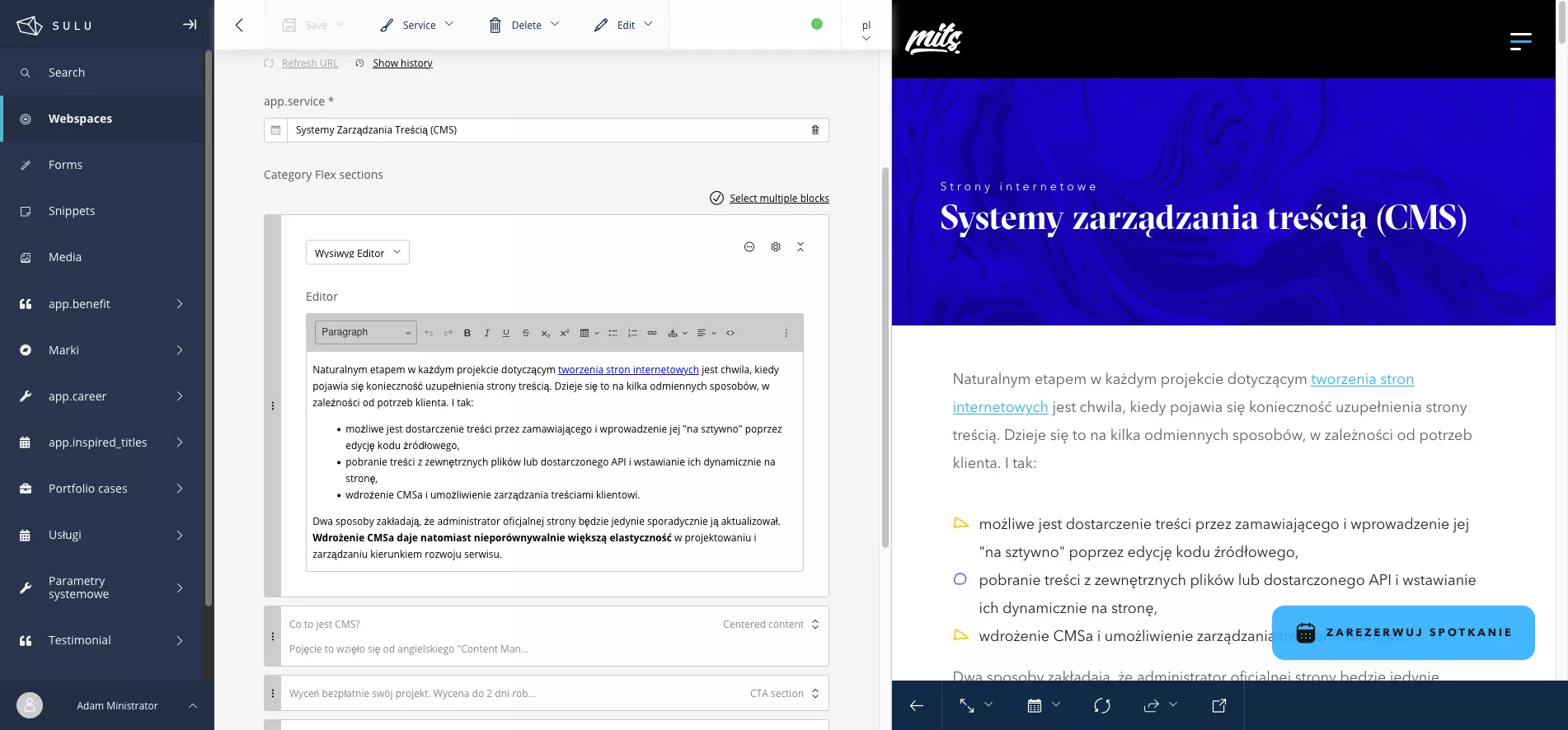
- Dynamic form modules. Relatively few cms systems offer the ability to create differentiated forms along with the simultaneous definition of message recipients. With a cms system equipped with such a solution, one of the most complicated processes between the system and the end user is solved.
- Live preview of currently edited subpages. This feature is incredibly useful when we are not sure how the content we posted will look on specific devices.
In addition, regardless of the solution, a very important factor when implementing a CMS system is its susceptibility to expansion. It is not uncommon for systems to be very friendly within the basic functions, but as the site develops, its flexibility drastically decreases.
In addition to the above-mentioned modules, there are also so-called pageeditor cms systems, created on the basis of visual editors. About what are the features of such a solution we will certainly prepare a separate entry.


Get a free quote for your project.
Quotes provided within 2 business days!
Create a website with CMS with us
Quotes provided within 2 business days!

What are the types of CMS?
Basically, we can divide the types of CMS systems according to their intended use and also according to the cost of their implementation. Deciding to divide by application, we can distinguish two main areas.
Content management systems for websites
These systems have all (most?) of the previously mentioned modules. Their main use is editing content on the official site and providing content.
CMS for an online store
This type of CMS allows you to manage content analogously to websites but also, in addition, provides comprehensive product catalog and order modules within an online store.
Wanting to make a choice by cost, the situation is shown below.
Open source CMS system software
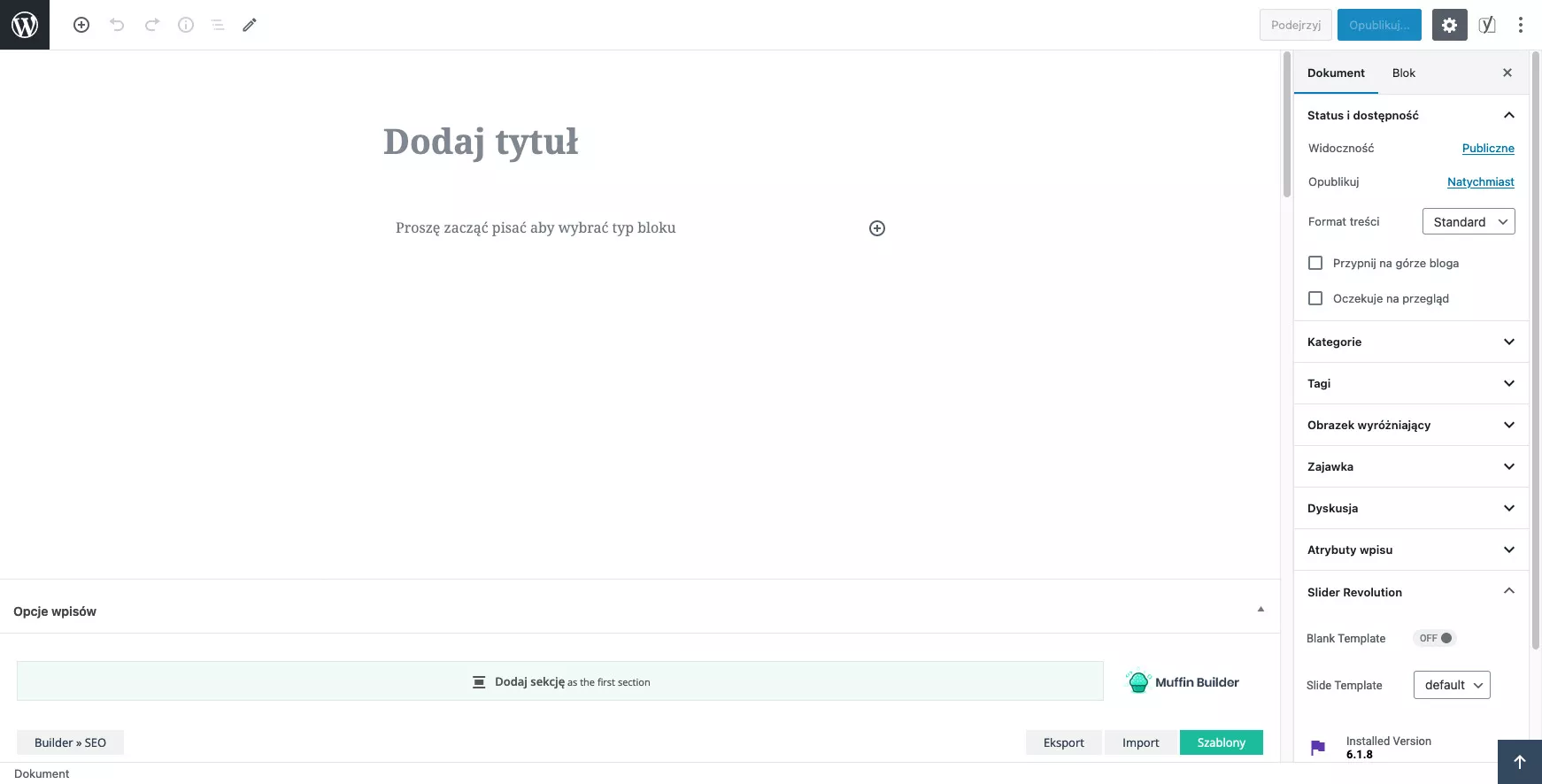
Open source systems are characterized by a large community gathered around them. Open source code, a multitude of extensions and the fact that it is a free system (not counting implementation) are undoubted advantages of this solution.
SaaS-type CMS
CMS systems created in the SaaS model are often cms pageeditor systems or based on the drag & drop mechanism. They are a solution for people who do not have a problem with the fact that the materials they often post become, according to company regulations, the property of the software developers. The initial price of a CMS system is low, but it comes with fixed monthly fees.
Proprietary CMS systems / Dedicated CMS systems
These are the most costly solutions, but created exactly according to the needs of the ordering party. Often it turns out that the usual management of subpages is not enough and it is required to add more modules. To learn more, read about dedicated applications.
Which CMS should you choose?
There is undoubtedly a lot of competition in the CMS market. The most popular content management systems offer a plethora of additional extensions, answering the most popular business problems. Among the most popular open source CMS systems are:
- CMS Wordpress - open source CMS, by far the most popular. We described the cms wordpress platform in a bit more detail here: https://mits.pl/en/blog/wordpress-websites-is-it-really-cms-no-1-in-the-world
- CMS Drupal - a free cms system based on Symfony components
- CMS Joomla - a somewhat archaic solution already, but it has made a significant contribution to the world of websites
- CMS Sulu - a new solution based on Symfony and React. Our personal favorite.
These different CMS systems have very different entry thresholds.
So which CMS should you choose? For simple projects, we suggest Wordpress or Sulu sites, while for more extensive company requirements, the Sulu cms system or, somewhat less frequently, Drupal. And for very customized solutions, of course, the best solution will be a proprietary CMS.
If you want to create your website with a CMS, get a free quote.